Reduce box touches with labels that carry more of the workflow.
Combine 2D box content, FBA inbound labels, FNSKU labels, and expiration data where the packing flow supports it.
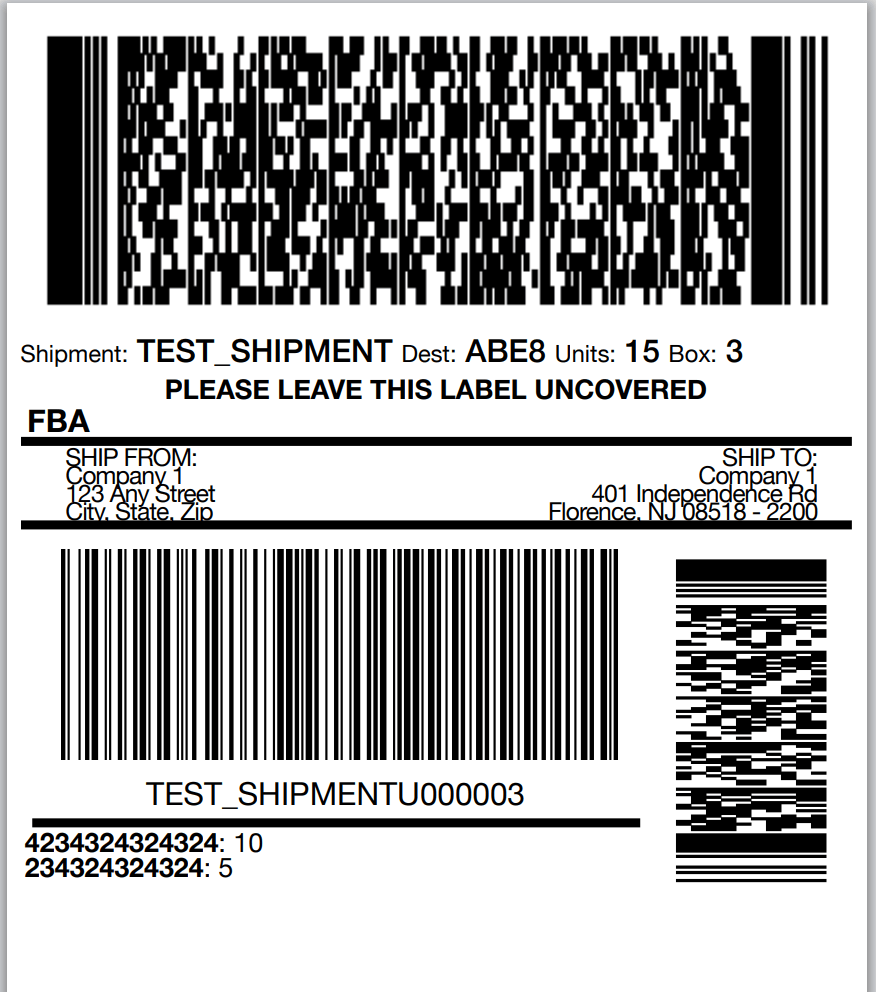
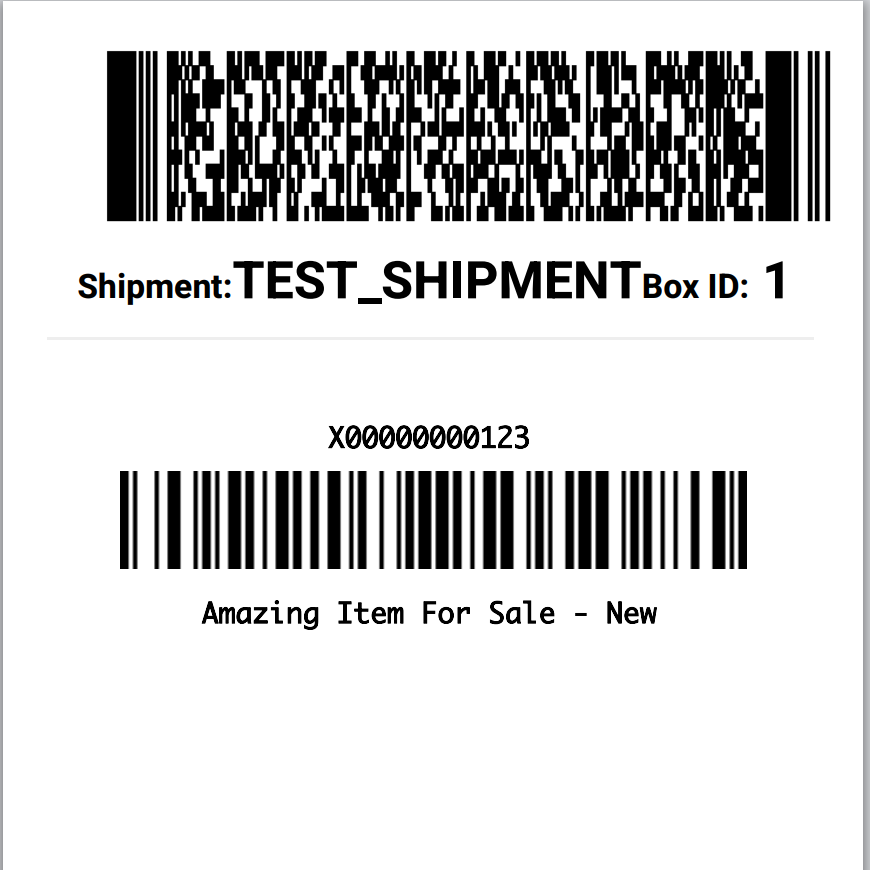
Choose the combined label that matches how the box is packed.
Advanced labels are powerful because they reduce separate print-and-apply steps.
Combined box content and inbound label
Combine the 2D box content barcode and inbound FBA shipment label on one label. Once the carton is complete, it can move to palletizing or wait for the carrier label.
Unified FNSKU, expiration, and box content label
For one-unit-per-box workflows, print a single label that includes FNSKU data, expiration date when needed, and the 2D box content barcode.
Create, pack, label, and close out inside Wizard-Industries
With SP-API integration, advanced labels can support a complete FBA inbound workflow without constantly returning to Seller Central.
Create or upload the shipment
Select items in Wizard-Industries, upload item data, scan items into the plan, or work from a shipment plan when the label type requires it.
Pack and print as boxes close
Generate the appropriate advanced label when a box is complete, so the label reflects the actual box contents and next step.
Adjust when Amazon permits it
Update shipment item counts within the tolerances Amazon allows, then keep moving through closeout.
Close and order transport
Close the shipment and work through SPD or LTL transportation, including partnered and non-partnered carrier flows.
Not sure which label fits your operation?
We can help you choose the safest advanced-label workflow.
Use combined labels only when box counts are dependable.
Advanced labels encode box-specific information that Amazon uses during receiving. If boxes are frequently removed, repacked, or changed late in the process, start with standard 2D box content labels before moving to combined labels.
- Train packers on the exact moment a box is considered final.
- Validate counts before applying labels that combine multiple functions.
- Use the simplest label that supports the shipment when the process is uncertain.
Use the FNSKU label overview instead.
For ad-hoc item labels, scan-and-print catalog labels, and shipment-plan FNSKU labels, start with the FNSKU label printing page.
One label for box content and inbound shipment identification.
When a box is fully packed and verified, the combined label can replace separate box-content and inbound FBA label steps. For LTL workflows, completed boxes can move toward palletizing as they finish instead of waiting for an end-of-shipment label run.
A single label for one-item-per-box workflows.
Unified labels work best when each shipment box contains one sellable unit. Upload the shipment plan, scan the UPC or another item identifier, and print a label that carries the FNSKU, expiration date when applicable, and 2D box content barcode.